
Backing up your WordPress site is one of the most important steps in website management. Websites can lose data for many reasons, including hacking, server failures, plugin or theme errors, or accidental mistakes during updates. Without a reliable backup system, you risk losing all content, settings, uploads, and database entries. Regular backups provide security, peace of mind, and a fast way to restore your site if something goes wrong.
Even if your site is running smoothly, unexpected issues can happen at any time. A solid backup strategy is like insurance for your website, protecting both your work and your visitors’ experience.
Built-In Backups via Your Hosting Provider
For users hosting with Cap Connect, the platform provides a strong foundation for website safety through built-in backups. Cap Connect integrates JetBackup into cPanel, offering automatic daily backups that cover your entire hosting account. These backups include website files, databases, emails, and server configurations. This system ensures that if a serious problem occurs, you can quickly restore your site or your full account.
Restoring from JetBackup is simple. You can log into your cPanel, select the JetBackup section, and choose the backup date you want to restore. You have the option to restore the entire account or select specific items such as individual files, databases, or emails. This flexibility allows you to revert only what you need without affecting other parts of your site.
For detailed instructions on how to use JetBackup : check this guide
Cap Connect’s built-in backups are a reliable baseline. They provide a full account recovery solution, making it easier to handle server failures or other critical issues.
Having this automated safety net removes much of the risk of losing your data and allows you to focus on managing and growing your site.
However, even when using your web hosting provider’s backup service, you are still responsible for maintaining a local copy of your site. If no automated backup service is available, make it a point to log in at least once a month and download the most recent backup to your computer as a last resort .
WordPress-Level Backup Plugins
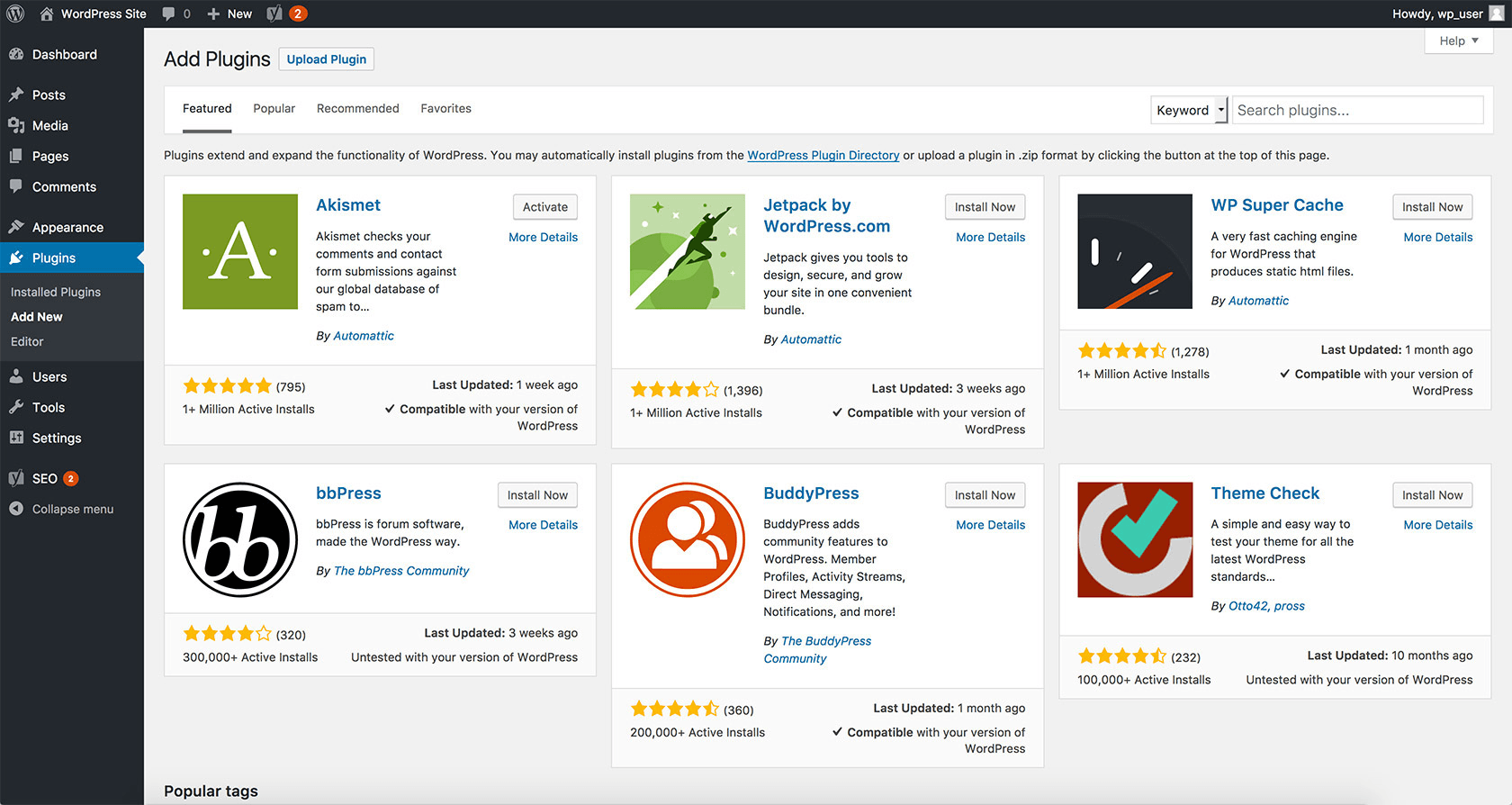
While host-level backups provide full account security, adding a WordPress-level backup plugin gives you additional control and redundancy. One highly recommended option is UpdraftPlus. This plugin allows you to schedule automated backups of your WordPress site, including files, database, themes, plugins, and uploads. You can choose the frequency that suits your site, whether daily, weekly, or monthly.
UpdraftPlus also lets you store backups in remote cloud storage, such as Google Drive, Dropbox, or Amazon S3. This off-site storage ensures that you have a backup even if something happens to your hosting account. The plugin supports restoring the entire site or specific elements, allowing you to recover quickly from accidental changes, failed updates, or partial data loss.
Using a plugin alongside host-level backups creates redundancy. Host backups cover full account recovery, while a plugin offers flexible site-level backups that you control. This combination provides both security and convenience, allowing you to restore specific components without relying solely on the hosting provider.
Best Backup Practices
A reliable backup strategy is more than just having a tool in place. Automation is key — schedule backups to run regularly so that you always have up-to-date copies. Off-site storage is another essential step, keeping a copy of your site separate from your server. Retaining multiple versions of backups ensures that if one becomes corrupted or fails, you still have other copies to restore. Finally, periodically testing your backups by performing a restoration will confirm that your system works and can be trusted in an emergency.
By following these practices, you create a robust safety net for your website. You minimize downtime, reduce the risk of permanent data loss, and ensure that your site remains available and fully functional for visitors and customers.
Conclusion
Backups are essential for any WordPress website. Combining both host-level and WordPress-level backups creates a comprehensive safety strategy, protecting your website against almost any scenario. Regular backups, proper storage, and testing ensure that your site remains secure, reliable, and ready to recover whenever needed.