
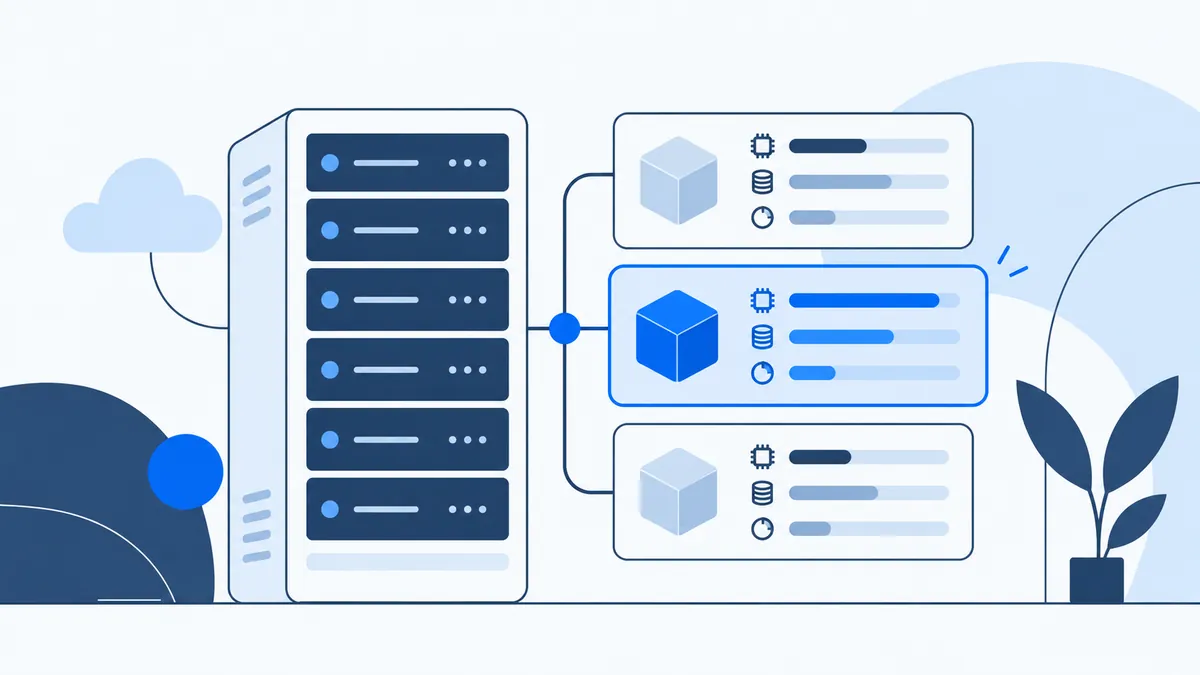
It is important to choose the server (Cloud SSD, VPS SSD, shared, etc.) that best suits your website.
Explore our service: VPS server
Indeed, when you decide to launch your business, you are faced with severalweb hosting offers for your site.
The first criterion that shapes your choice, most of the time, is budget. So you go straight for shared web hosting.
However, a few months later, you notice that the resources of your hosting are almost fully used, especially if you are running an e-commerce site whose catalogue keeps growing.
In that case, it will be time to choose better-quality web hosting with more capacity, which can support more visitors and traffic and whose resources are used by you alone. You can choose between an VPS SSDserver, a dedicated server and a Cloud SSD server.
This is where the VPS comes in: to this day, it is the best alternative in terms of management, security and price.
What is an SSD VPS?
A Virtual Private Server (VPS) is a physical machine divided into several independent virtual compartments. Each compartment has enough resources to host your own sites.
One of the criteria that sets a shared hosting plan apart from an SSD VPS is the operating system. Shared hosting puts several websites on the same operating system, whereas a VPS lets you host your sites on your own operating system, independently of other sites. This spares you the risk of your websites' performance being affected by other customers.
Each VPS customer has full access to the delivered system (root SSH access), which makes this type of server the equivalent of a dedicated server at a much more accessible price. Customers can also configure their VPS according to their own preferences and needs.
An SSD (Solid-State Drive) is a storage device that keeps data on Flash memory. Compared with a traditional hard disk, it comes in a smaller casing.
So, when should you move to an SSD VPS?
As long as your site keeps receiving fairly low traffic, you can carry on using your shared hosting and therefore a small budget.
However, once you start generating more traffic, shared hosting will no longer be a suitable solution for your website, as it will become slower and slower. Cap Connect offers a range of SSD VPS plans that you can scale up or down according to your needs.
Once you order your VPS, our team takes care of delivering it within 24 hours. It will be ready to use with exceptional stability and speed. You will be able to install all the utilities, scripts and software you need to run your website.
You can contact Cap Connect support for any questions or additional information.