
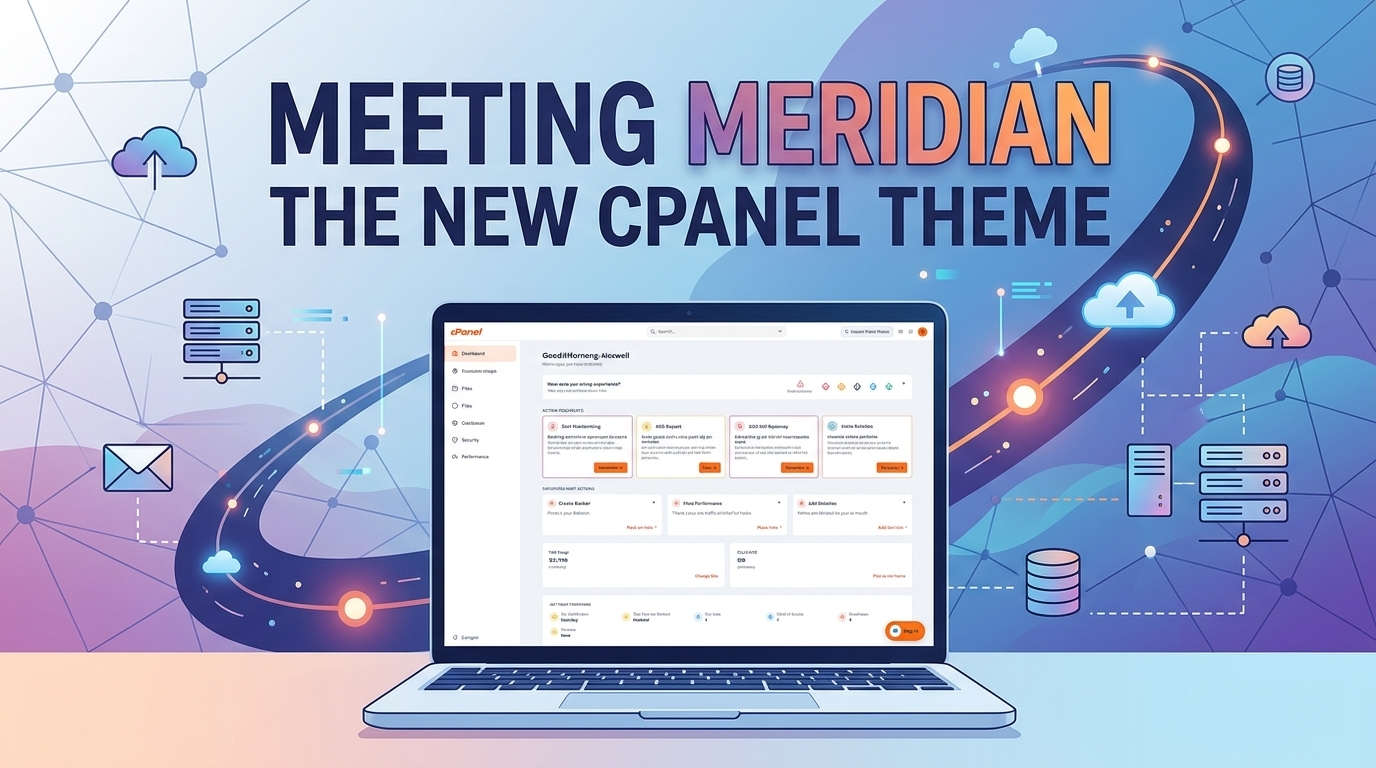
Managing a website should be intuitive, fast, and empowering. If you have logged into your hosting control panel recently, you might have noticed something radically different. cPanel has officially launched Meridian, a next-generation interface designed to completely modernize how you manage your websites, databases, security, and hosting environments.
At Cap Connect, we are thrilled to bring the Meridian theme directly to our clients. Combining a sleek, task-focused user interface with native AI integration, Meridian transforms cPanel from a static toolbox into an intelligent management workspace.
Here is a complete guide to what makes Meridian special, how its AI features work, and how you can start using it on your Cap Connect hosting account today.
What makes Meridian Different?
For years, the standard cPanel interface (such as Jupiter) relied on long, categorical lists containing over a hundred individual tools. While powerful, finding the right setting often meant scrolling through endless icons or relying strictly on search bars.
Meridian changes the paradigm entirely. It introduces a goal-oriented workflow that organizes everything you do around real-world objectives.
1. Six Purpose-Built Workspaces
Instead of scattered features, Meridian groups tools into six distinct, objective-based hubs:
-
Websites: Manage domains, DNS records, SSL/TLS certificates, PHP settings, and site builders.
-
Email: Access Webmail, configure custom email accounts, set up forwarders, and adjust spam filters.
-
Files: Handle File Manager, FTP accounts, automated backups, and restoration points.
-
Databases: Manage MySQL databases, database users, privileges, and remote access.
-
Security: Oversee SSL health, Web Application Firewalls (WAF), two-factor authentication (2FA), and IP blocking.
-
Performance: Track bandwidth usage, monitor disk/inode quotas, and adjust
php.inidirectives.
2. Smart Onboarding & Account Health
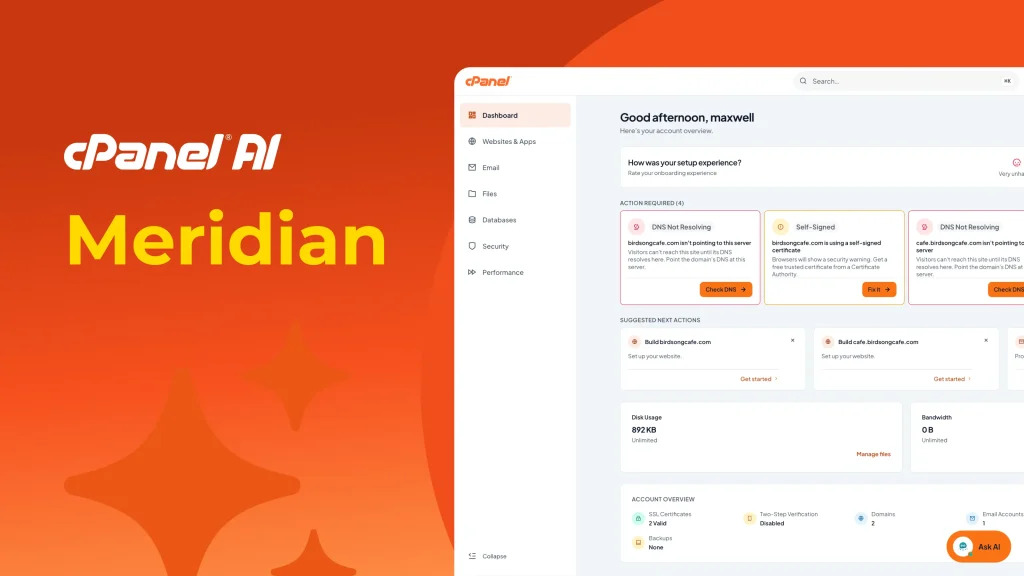
When you launch a new project on Cap Connect, Meridian features a Guided Onboarding pipeline. Whether you are setting up a brand-new domain, migrating an existing site, or configuring DNS, the platform guides you step-by-step to get your website live faster.
Furthermore, the new centralized dashboard highlights Account Health Indicators in real-time—alerting you immediately to pending SSL renewals, missing DNS records, or backup recommendations.
Built-In AI: Your Personal Hosting Assistant
The most groundbreaking feature of the Meridian theme is its native AI integration. Rather than navigating complex documentation or opening support tickets for simple questions, you now have an intelligent assistant right inside your control panel.
What Can the cPanel AI Assistant Do?
Located via the floating Ask AI button in the bottom corner of your screen, the AI Assistant understands conversational queries about your hosting account.
-
Answer Account Questions (Explain & Guide):
-
“How do I create a new email account for my employee?”
-
“What is the difference between an addon domain and a subdomain?”
-
“How do I install an SSL certificate?”
-
-
Diagnose Account Issues:
-
The AI can securely inspect your read-only account metadata to troubleshoot issues. You can ask: “Why is my email not sending?” or “How much disk space am I using right now?”
-
-
Take Direct Actions (With Your Explicit Approval):
-
Instead of clicking through menus, you can simply ask the AI to perform low-risk tasks. For instance: “Create an email address info@mycompany.com.”
-
Security First: The AI will never execute a change silently. It presents an Approval Required confirmation card detailing the exact action before proceeding. You maintain 100% control at all times.
-
-
AI-Powered Website Generation:
-
Combined with tools like Sitejet AI, Meridian allows you to generate complete site drafts, landing page layouts, and starter content simply by providing a text prompt.
-
How to Switch to the Meridian Theme on Cap Connect
Ready to experience the new interface? Switching between Meridian and the classic Jupiter theme takes less than ten seconds and causes zero downtime or disruption to your live sites, databases, or email services.
Step-by-Step Instructions:
-
Log in to your cPanel control panel.
-
At the top of the Jupiter home page, click Try the new Meridian theme.
-
The panel will instantly reload into the new Meridian layout.
-
Click the Ask AI floating icon in the bottom-right corner to start interacting with your new AI Assistant!
(Note: If you ever want to revert back to the traditional view, simply click your avatar in the top-right corner, go to Profile, and switch your theme back to Jupiter.)
Experience Next-Level Hosting with Cap Connect
At Cap Connect, our goal is to provide high-performance, secure, and reliable infrastructure paired with the best user experience possible. The combination of our high-speed hosting infrastructure and cPanel’s Meridian theme ensures that managing your online presence is easier, faster, and smarter than ever before.
Whether you are launching your first website or managing complex web applications, Meridian and Cap Connect give you the tools and intelligence needed to succeed.
Ready to try it out? Log in to your account or explore our Cap Connect Hosting Plans today to get started!