Gérer un site web doit être intuitif, rapide et accessible. Si vous vous êtes connecté à votre panneau de contrôle d’hébergement récemment, vous avez peut-être remarqué un changement majeur. cPanel…
Google Workspace est une suite d’outils de productivité et de collaboration basée sur le cloud, conçue pour les particuliers, les équipes et les organisations. Elle regroupe la communication, la création…
Un site web responsive est conçu pour s’adapter automatiquement à l’appareil ou à la taille d’écran du visiteur. Cela signifie qu’un même site peut être consulté de manière fluide sur…
Sauvegarder votre site WordPress est l’une des étapes les plus importantes de la gestion d’un site web. Les sites peuvent perdre des données pour de nombreuses raisons, notamment le piratage,…
Votre site web est souvent le premier point de contact entre votre marque et vos clients potentiels, mais si votre page d’accueil présente votre activité, elle n’est pas toujours conçue…
L’intelligence artificielle (IA) n’est plus un simple mot à la mode dans le monde de l’ hébergement web. Elle est en train de transformer, parfois discrètement et parfois de manière…
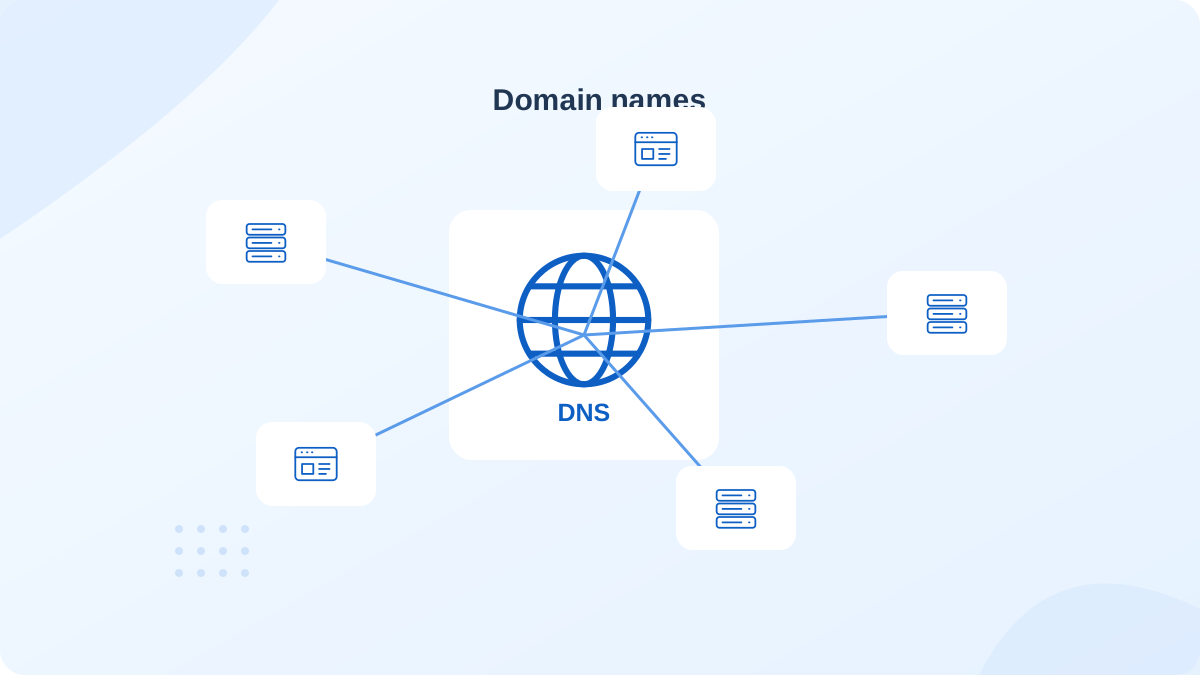
La sélection d’un nom de domaine est un détail important mais souvent négligé. Il est facile de se laisser absorber par le design, l’image de marque ou la création de…
Maintenant que la plupart de nos recherches, qu’il s’agisse d’informations ou de services, se font sur internet, il est important de garantir la sécurité de vos visiteurs et que votre…
Chez Cap Connect, nous nous engageons à offrir à nos clients le meilleur service en matière d’hébergement web, afin qu’ils puissent lancer et tirer le meilleur parti de leurs sites…
upgraL’hébergement web est la base de votre présence en ligne. C’est un service qui permet aux particuliers et aux entreprises de publier leurs sites web sur Internet. Imaginez-le comme une…
Dans le monde numérique d’aujourd’hui, avoir une forte présence en ligne — notamment grâce à des stratégies SEO intelligentes — est essentiel pour toute entreprise souhaitant se développer. L’un des…
cPanel est un panneau de contrôle d’hébergement web basé sur Linux, qui regroupe tous les outils essentiels de gestion de site dans un tableau de bord simple et intuitif. Vous…
Si vous utilisez un hébergement mutualisé pour votre site web, il est probable qu’il vous ait bien servi à vos débuts. C’est une solution abordable, simple à configurer, et qui…
Avec la montée constante des menaces en ligne, protéger votre site web et vos actifs numériques n’a jamais été aussi crucial. Alors que les technologies de cybersécurité continuent d’évoluer, les…
Lorsque vous lancez un projet en ligne au Maroc, le choix du nom de domaine est l’une des décisions stratégiques les plus importantes. En optant pour une extension de nom…
Comprendre ce qu’est l’hébergement mutualisé et comment il fonctionne est essentiel pour toute personne souhaitant établir une présence en ligne de manière efficace et rentable. Dans cet article, nous plongerons…
Dans le paysage en constante évolution de l’hébergement web, la demande de solutions de stockage plus rapides et plus efficaces continue de stimuler l’innovation. Une innovation qui a particulièrement marqué…
Vous voulez vous assurer que votre site web fonctionne à plein régime et offre une expérience utilisateur optimale ? Chez Cap Connect, Site Quality Monitoring dans cPanel est là pour…
Dans le domaine de l’hébergement et de la gestion de sites web, les sauvegardes sont essentielles. Elles préservent vos données précieuses et permettent une récupération rapide en cas de problème,…
Chez Cap Connect, nous comprenons l’importance de fournir des outils fiables pour aider nos clients à prospérer et à améliorer leur présence en ligne. Votre croissance et votre satisfaction sont…
La messagerie professionnelle est un pilier central dans le monde des affaires moderne, caractérisé par une communication rapide et variée. Choisir les bons outils de communication est essentiel pour maintenir…
La vitesse de chargement est un facteur clé pour garantir une expérience utilisateur fluide et un bon classement dans les moteurs de recherche. Pour améliorer les performances de votre site…
En 2023, la vitesse de chargement du site Web est la chose la plus importante. Un site Web lent peut freiner la croissance de vos ventes en ligne. LiteSpeed...
L’achat d’un nom de domaine .Ma est le principal outil pour obtenir un meilleur référencement dans le moteur de recherche Maroc. Assurer la protection de votre nom de domaine .ma…
Indexer un site Web sur Google peut sembler une tâche assez passive. Écrire simplement du contenu, l’optimiser pour les moteurs de recherche, le télécharger sur votre site et attendre que…
Les sites internet sont devenus omniprésents dans notre vie quotidienne, que ce soit pour acheter en ligne, chercher des informations, ou interagir avec des marques et des entreprises. En 2023,…
Voulez-vous utiliser une adresse email professionnelle ? Tout en utilisant le nom de domaine de votre entreprise au lieu des adresses mail gratuites comme gmail.com ou autres. À travers cet…
NFTs, DAOs, Metaverse. Il y a quelques années, si vous prononciez ces mots (ou acronymes), les gens vous auraient dévisagé et se seraient demandé ce que cela signifiait. Mais aujourd’hui,…
WordPress continue de suivre sa feuille de route : le CMS le plus populaire du marché vient d’annoncer la sortie de la Bêta 1 de WordPress 6.0 ! La phase…
WordPress Toolkit est désormais disponible gratuitement sur tous nos packs d’hébergement web. Cet outil est l’avenir de la création de site web, la gestion des sites WordPress qui enrichit l’interface…
L’achat en ligne a été l’une des tendances les plus rapides et les plus croissantes au cours de la dernière décennie. Au milieu de la pandémie du covid-19, le commerce…
La vitesse d’un site web est primordiale pour votre transformation digitale. Nous avons tous vécu au moins une fois la torture d’attendre une page Web qui prend une éternité pour…
Lorsque vous décidez de vous embarquer dans un nouveau business, la première chose dont votre entreprise a besoin pour sa présence en ligne est un site Web, mais saviez-vous que…
En 2020, le nom de domaine maroc ccTLD .ma a connu une augmentation sans précédent des nouveaux enregistrements avec 19,37% de plus par rapport à 2019 et avec une augmentation…
L’hébergement web SSD basé sur les disques SSD (Solid state Drive) est l’une des nouvelles technologies introduites dans l’univers des stockage des données et d’hébergement web. En effet, l’hébergement d’un…
Google Workspace, anciennement G Suite, réunit messagerie professionnelle, visioconférence, stockage cloud et collaboration. Découvrez ses nouveautés, ses éditions Business et Gemini.
La mise en place d’un certificat SSL est devenue un critère important sur lequel les moteurs de recherche, comme Google, reposent pour le référencement de votre site Web. En effet,…
Disposer d’un site web WordPress qui respecte les règles du SEO est très important pour une meilleure visibilité et un meilleur positionnement dans les résultats des moteurs de recherche. En…
La vitesse de chargement des pages d’un site conçu avec WordPress, bien que souvent négligée, joue un rôle très important dans la performance du site. Qu’est-ce que c’est que WordPress…
Le e-commerce est devenu un des secteurs les plus prometteurs et en plein essor au Maroc. Se lancer dans le commerce en ligne et créer un site e-commerce est devenu une…
Le choix entre un serveur Cloud SSD, VPS SSD ou serveur dédié pour votre hébergement Web est l’un des choix importants que vous serez amenés à faire après avoir commandé…
Créer un site web vous permet d’établir une image et garantir sa visibilité par la plupart des utilisateurs du web. En effet, la présence de votre projet en ligne, quel…
Nous allons vous expliquer par le présent article, les points essentiels pour faire un bon choix du type d’hébergement web. Avant de commencer la procédure, vous devez commander un nom…
Il est important de choisir le serveur (Cloud SSD, VPS SSD, mutualisé, etc) qui convient le plus à votre site Web. En effet, lorsque vous décidez de lancer votre activité,…
Google Workspace (anciennement G Suite) est une solution complète pour votre messagerie professionnelle : adresse à votre nom de domaine, Gmail, Drive, Meet, Gemini et une sécurité de niveau professionnel.
WordPress est une application de création et de gestion de sites Web. Vous pouvez l’installer gratuitement sur votre interface cPanel avec Softaculous en toute facilité. Grâce à ses divers fonctionnalités…
La sécurité WordPress est indispensable pour la protection de votre site contre le piratage et la prévention est très importante pour éviter la pénétration. Se faire pirater est une expérience…
Il existe certains facteurs spécifiques à votre nom de domaine qui peuvent avoir un grand impact sur votre classement Google. En effet, l’algorithme de ce dernier se base sur ces…
Afin de différencier entre un nom de domaine et une marque, vous devez tout d’abord connaître la définition exacte d’un nom de domaine et le concept de la marque. Qu’est-ce…
Le nom de domaine .ma désigne l’espace Internet réservé au Royaume du Maroc. Cet espace est cadré dans la mesure où l’enregistrement et l’utilisation des noms de domaine .ma sont soumis…
La solution Email Pro est la solution idéale pour une messagerie professionnelle et personnalisée pour votre entreprise. En effet, ce type de messagerie vous permet une communication plus fluide au sein…
Si vous souhaitez améliorer votre référencement Google, votre stratégie marketing de contenu et obtenir un retour sur investissement réel, vous devez utiliser des pratiques stratégiques qui vous permettront d’atteindre ces…
C’est avec un grand plaisir que nous vous annonçons le lancement de notre nouvelle marque Cap Connect. Après plusieurs années de développement et de travail acharné, nous sommes heureux de…